At Leverate, we are committed to providing innovative solutions that enhance brokerage management, improve efficiency, and create seamless experiences for both brokers and traders. Our latest updates introduce essential new features designed to streamline operations, reinforce risk management, and elevate client engagement. These improvements are now available across the Broker Portal, Prop platform, and CRM, offering greater control and enhanced usability.
New Risk Management Tool in Prop – Max Daily Profit
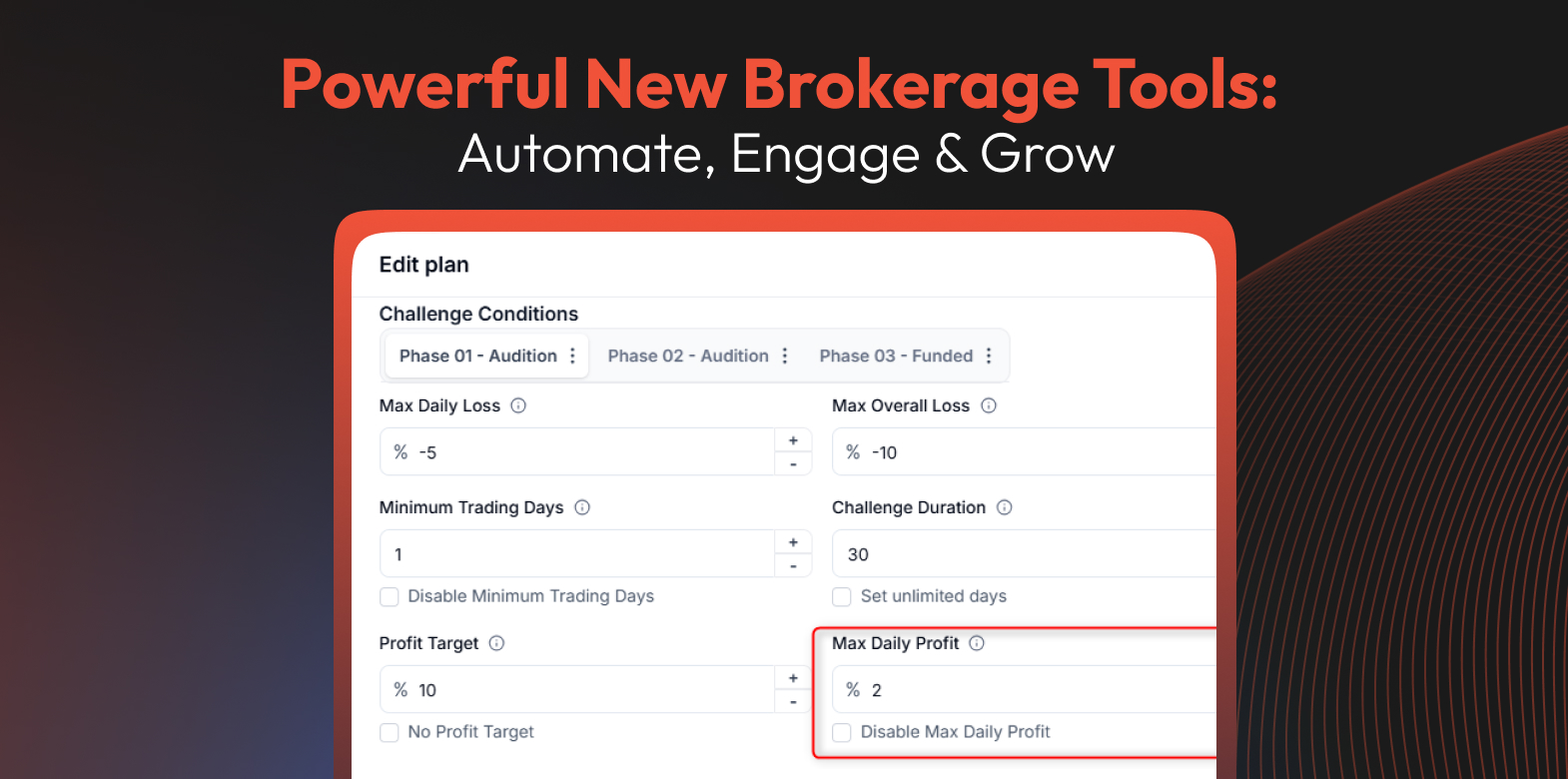
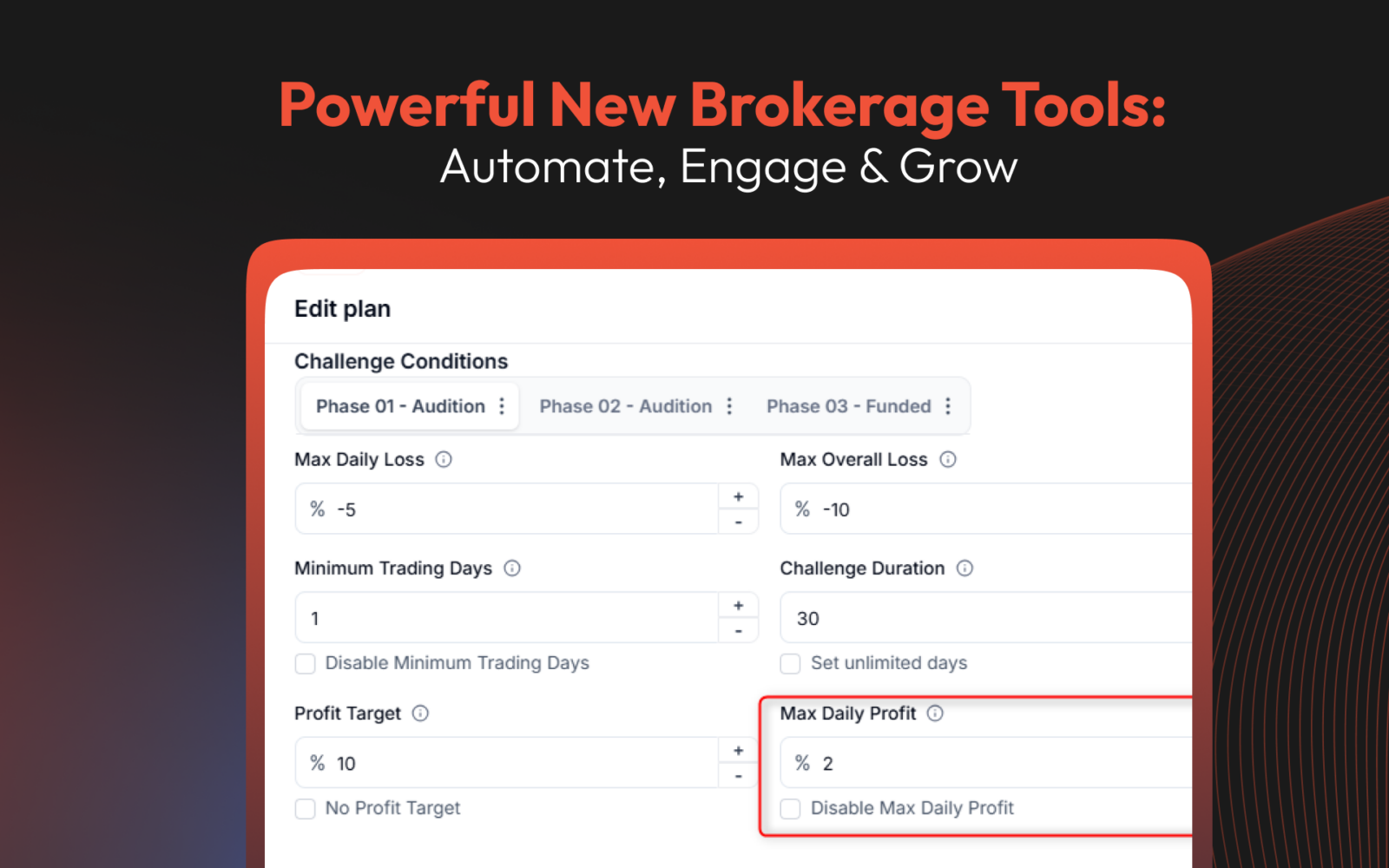
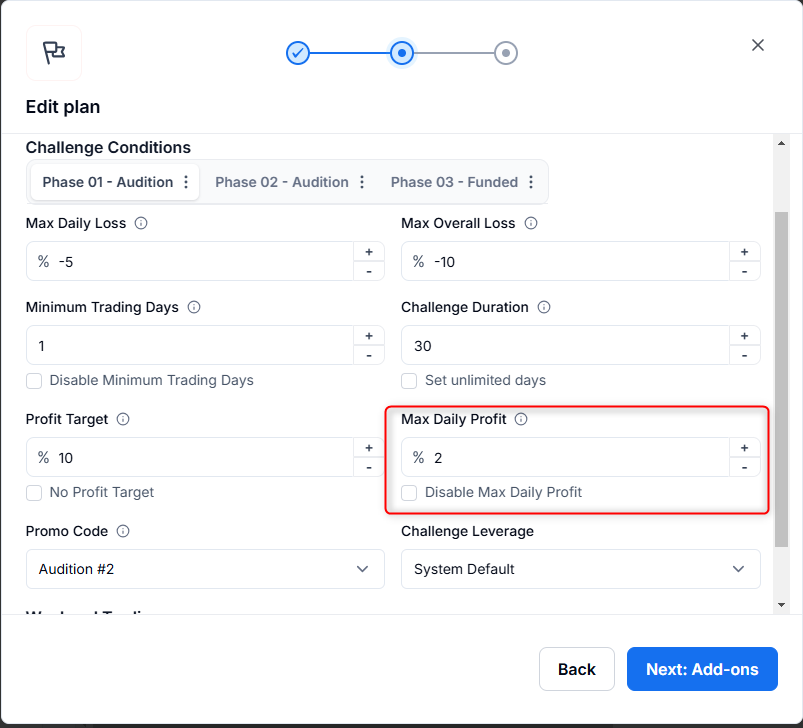
We are introducing a game-changing risk management feature: Max Daily Profit. This new condition enhances risk control by allowing brokers to set a maximum daily profit limit for traders using the Standard plan type, covering both challenge ‘tries’ and funded accounts.
By default, this new condition is disabled, however, once enabled, brokers can configure the Max Daily Profit value directly within the Client Zone. This feature helps traders understand their profit limits while allowing brokers to implement strong risk management strategies effortlessly.
Scale your brokerage today!
CRM & Client Portal, Trading Platform, MT4 & MT5 - All built for you.
Scale NowHow It Works:
- When a trader reaches their predefined Max Daily Profit limit, their account is switched to read-only mode.
- All open positions are automatically closed to enforce the profit cap.
- Trading resumes at the start of the next trading day following a midnight reset.

- Traders can track their Max Daily Profit progress in real-time under the Objectives section of the Dashboard Page.
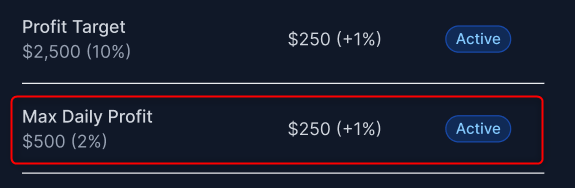
- Brokers can monitor and adjust the Max Daily Profit condition directly from the CRM, ensuring seamless risk oversight without the need to switch between platforms.
This unified approach ensures transparent profit tracking, better risk management, and enhanced operational control, benefiting both brokers and traders alike.
Broker Portal Links V2
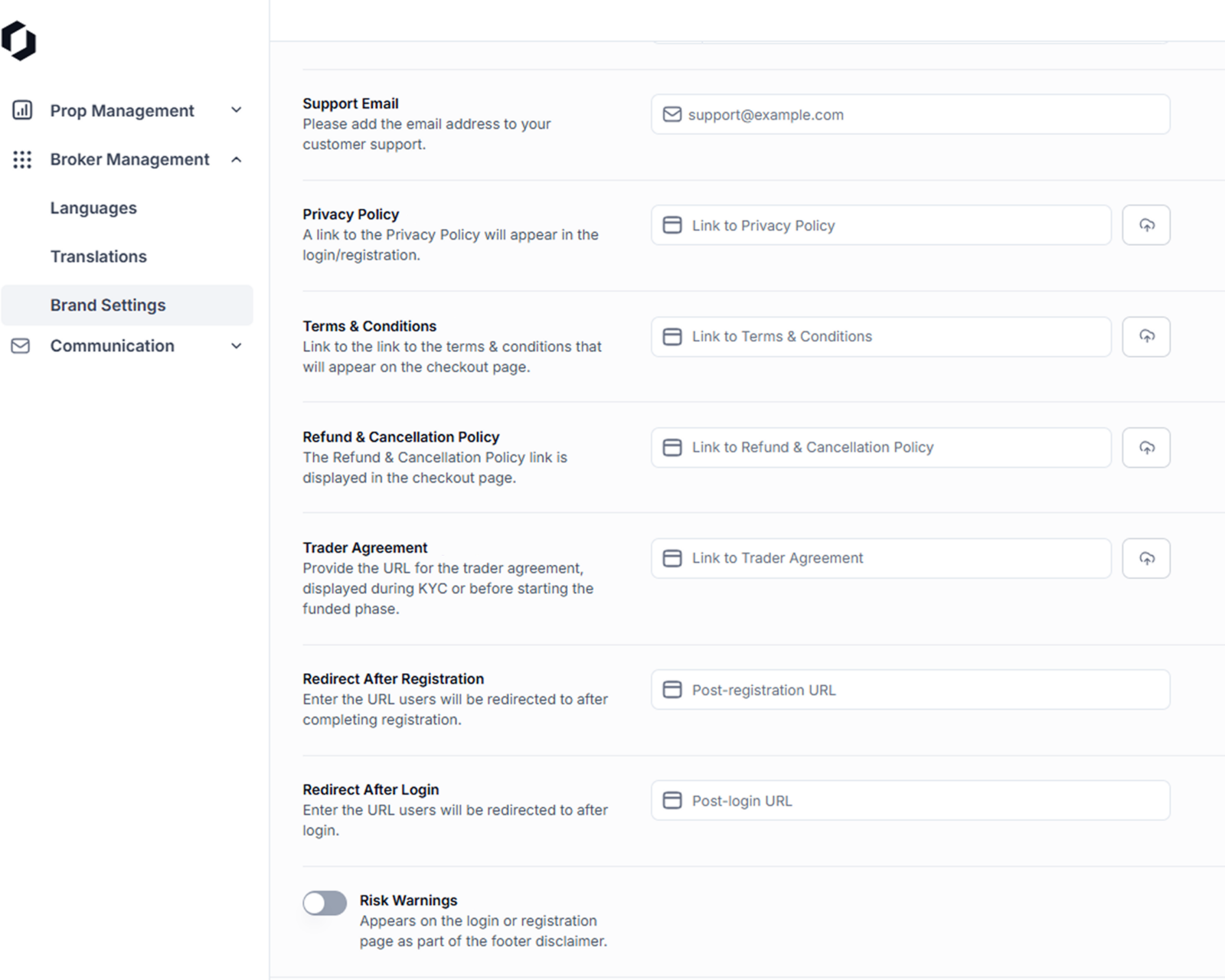
Managing essential portal links has never been easier. Brokers can now configure key links such as Privacy Policy, Support Email, and Terms & Conditions directly within the Broker Portal. This eliminates the need for Customer Success intervention, granting brokers full autonomy over their essential resources.
This update is exclusively available for Prop and CFD Brokers putting you in complete control of your resources and no more waiting for support intervention.
MTE Media Integration with Client Portal
MTE Media is now seamlessly integrated into the Client Portal, offering brokers a powerful tool for client engagement. As a premier provider of trading education, market research, and signals, MTE Media enhances trader retention and knowledge-building.
Brokers can customize branding elements, including logos and CTA buttons, while creating segmented access levels to provide tailored content experiences. Available in 30 languages, this integration ensures brokers can engage their clients on a global scale with high-quality, localized content.
The result of MTE integration? Higher trader retention, increased brand loyalty, and more informed decision-making among clients.
Why These Enhancements Matter
These updates aren’t just minor tweaks, they’re designed to empower brokers and prop firms with better risk controls, smoother automation, and stronger trader engagement tools. The Broker Portal updates provide greater autonomy and efficiency, while enhancements to the Prop platform introduce smarter risk management features. CRM improvements ensure seamless oversight of trading conditions, giving brokers better control over trader activity. Additionally, the integration of MTE Media enhances trader engagement and retention by offering valuable educational content and market insights. By rolling out these improvements, Leverate continues to redefine what’s possible in brokerage and prop firm management. We can’t wait to see how these features help you build a more efficient, scalable, and profitable business. Stay tuned for even more innovation from Leverate.
Want to see these features in action? Contact us today to learn how they can transform your brokerage operations.