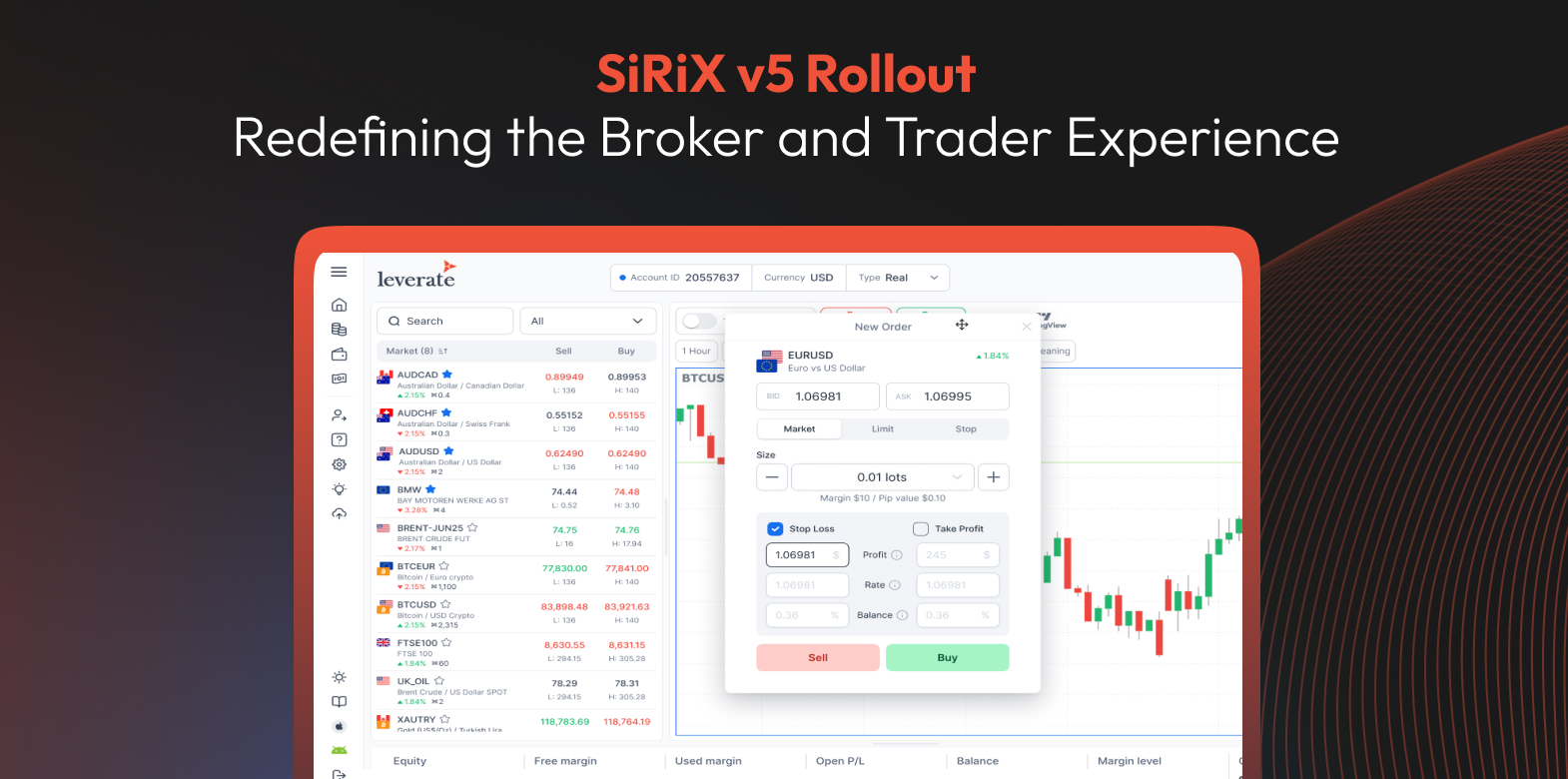
As the trading world continues to move fast; so should your platform. That’s why we’re happy to announce the version 5 rollout of the SiRiX ecosystem. From sleek UI upgrades to smarter tools for brokers and prop firms, this update is all about enhancing the trading experience and helping brokers convert and retain more clients.
Whether you run a CFD brokerage or a fast-growing prop firm, these updates aren’t just nice-to-haves. They’re built for one thing: growth.
Let’s unpack what’s new in v5.
SiRiX Platform: Designed to Perform, Built to Convert
A Clean, Mobile-First Interface
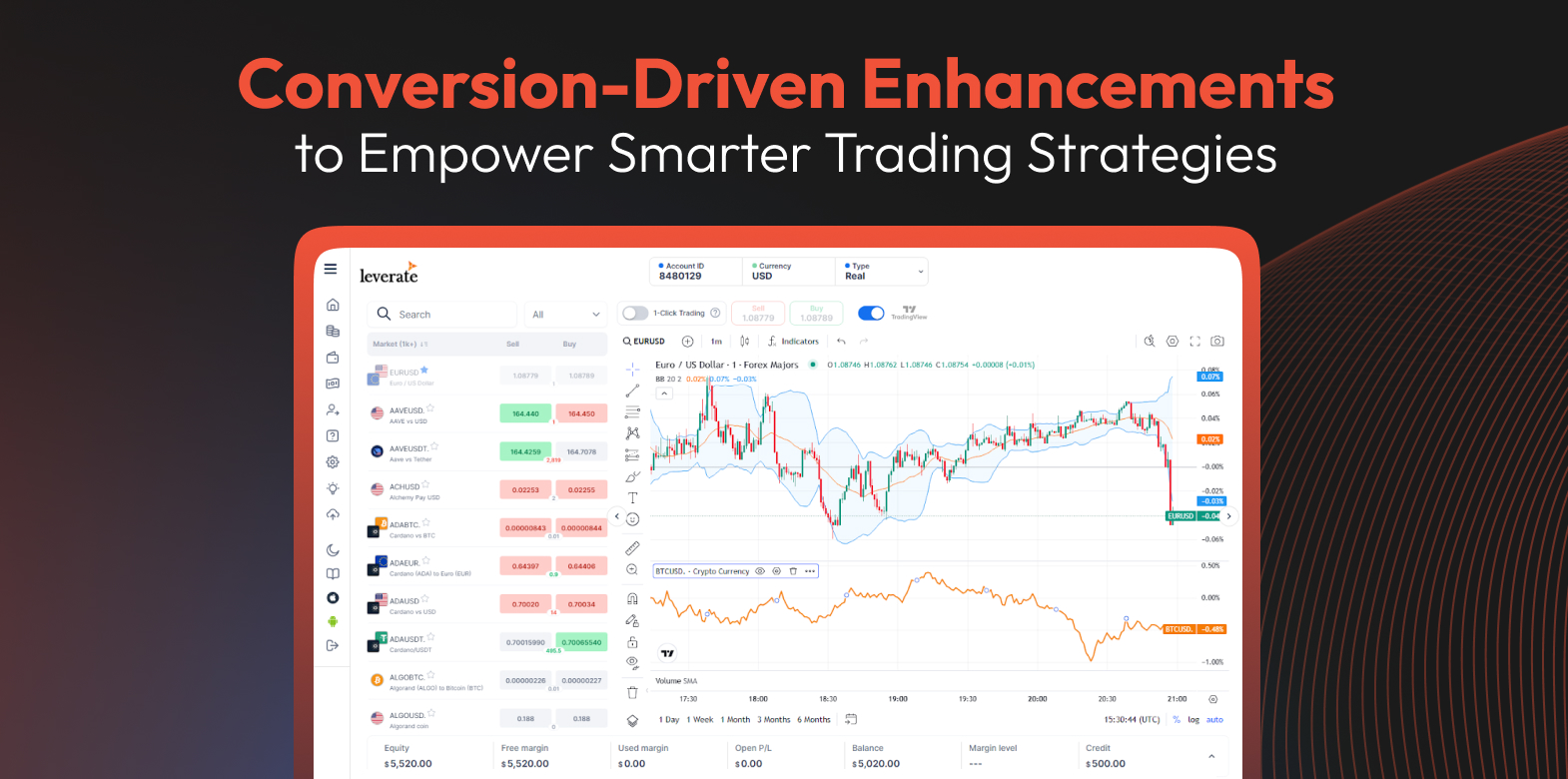
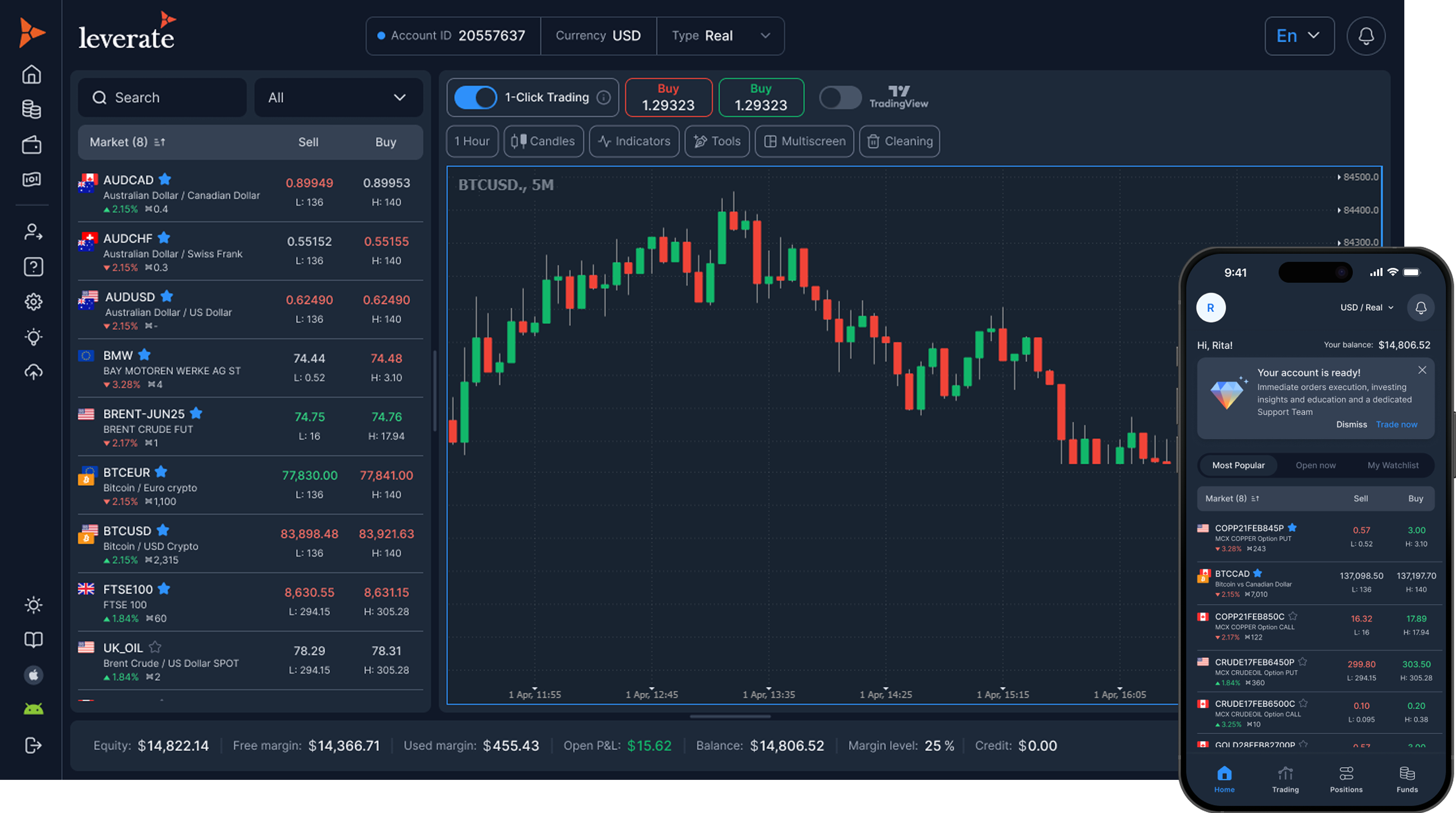
Say goodbye to outdated, clunky dashboards. The redesigned SiRiX interface brings a sleek, card-based layout that feels fresh, fast, and easy to navigate. Whether traders are using a smartphone, tablet, or ultrawide monitor, the platform adjusts beautifully to provide a seamless experience. With visual cues like daily price changes, spreads, and high/low values available at a glance, users get the information they need without the clutter. Interactive banners and chips guide action, helping both new and seasoned traders stay focused.
What’s New:
Card-based layout for cleaner data display
Quick-glance visuals: High/Low, daily change, spread
Interactive banners and chips for user guidance
Fully responsive design for every device
Why It Matters:
For Brokers: A smoother UI means easier onboarding, fewer support tickets, and higher conversion rates from first-time visitors.
For Prop Firms: Engaging design reduces user drop-offs and keeps challenge participants active through every step.
Redesigned Order Panel: Intuitive and Fast
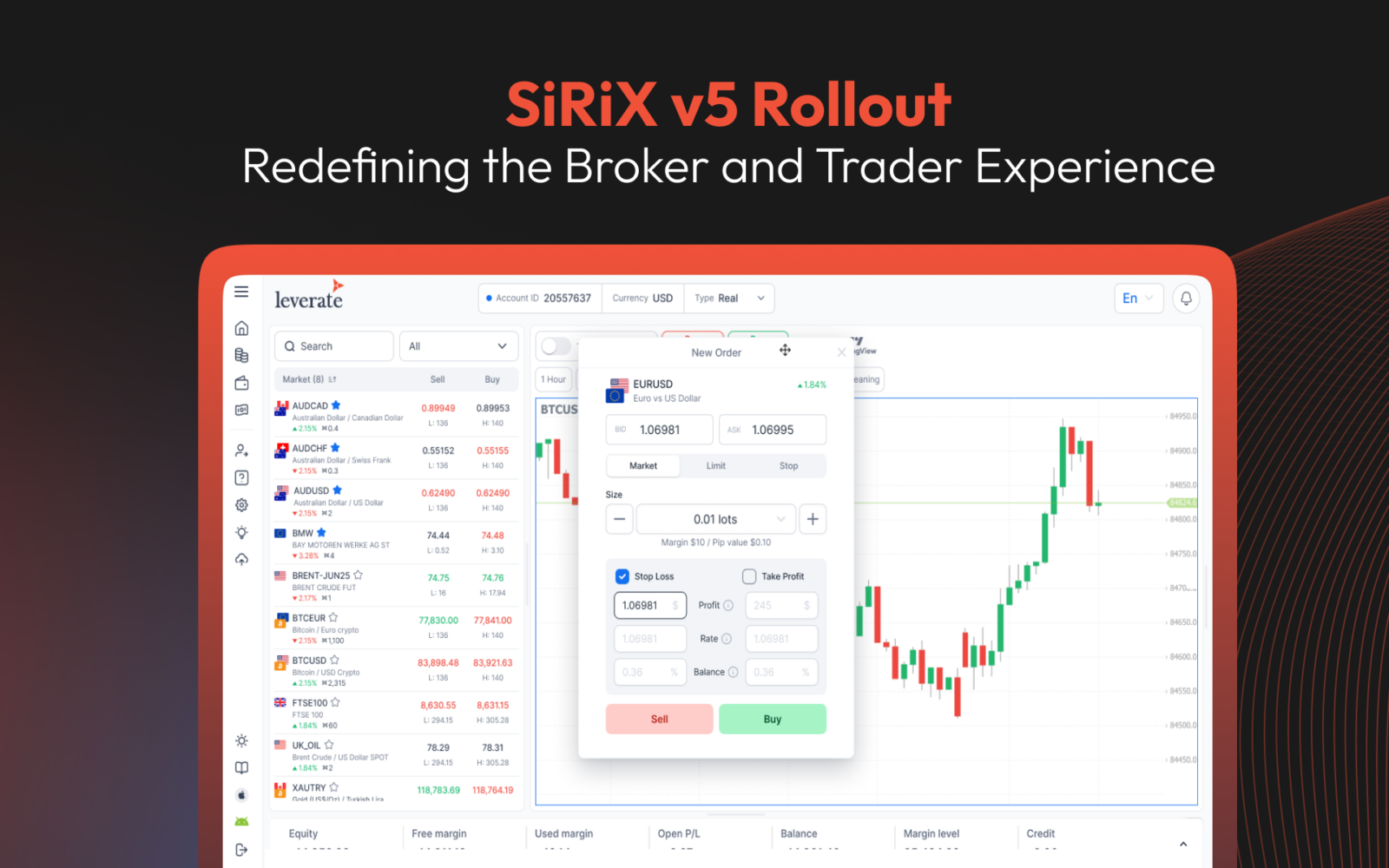
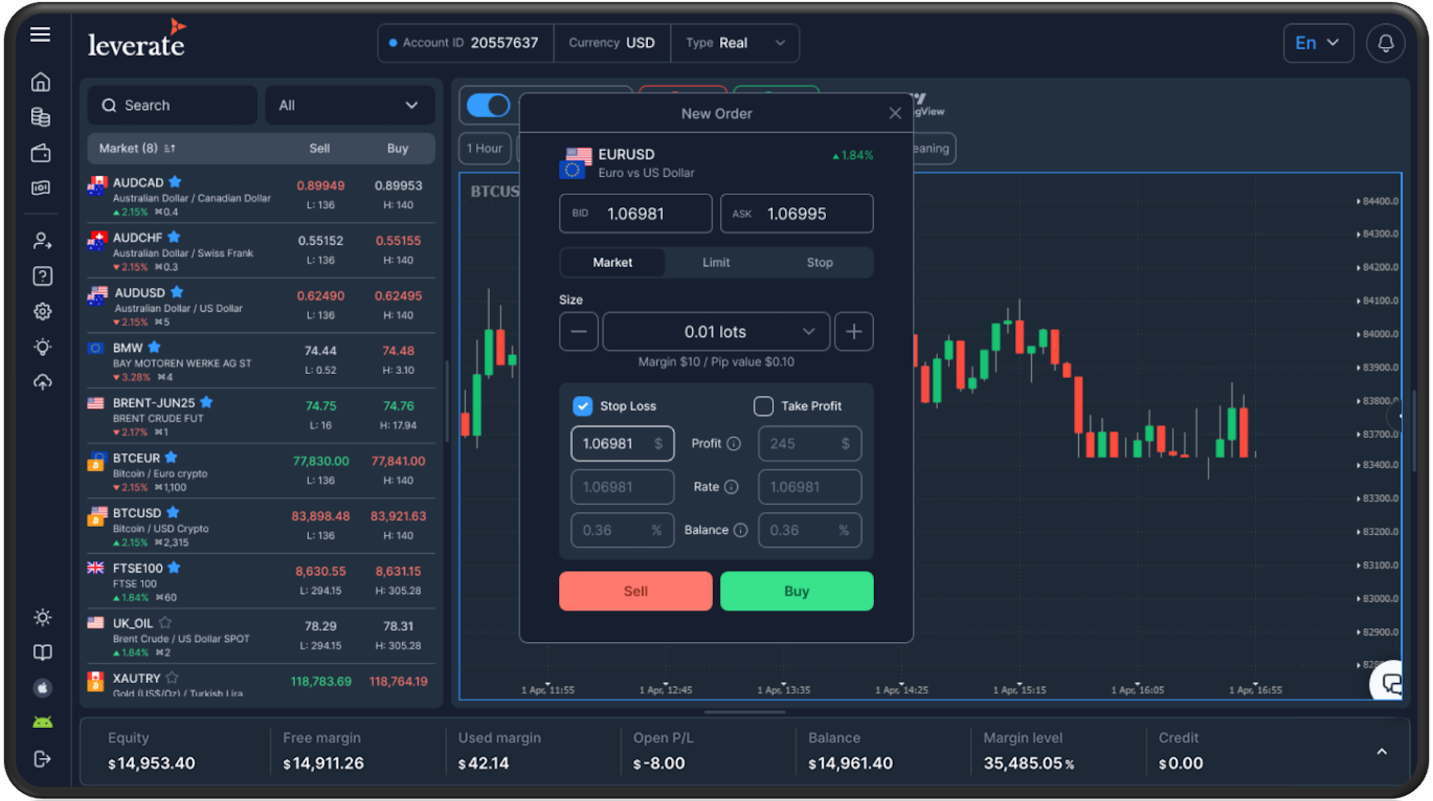
The order panel got a serious upgrade. Traders can now easily switch between Limit and Stop orders with a single click and move the panel freely around the screen; perfect for customizing their desktop setup. The design mimics how traders actually think and place orders, speeding up the process and reducing the chance for errors.
Why It Matters:
For Brokers: Cleaner order flows mean fewer mistakes and smoother execution, which translates to better trader retention.
For Prop Firms: Enables complex strategy execution with ease, helping serious traders pass challenges and increasing evaluation completions.
Scale your brokerage today!
CRM & Client Portal, Trading Platform, MT4 & MT5 - All built for you.
Scale NowSiRiX Broker: Cleaner Trade Management = Happier Teams
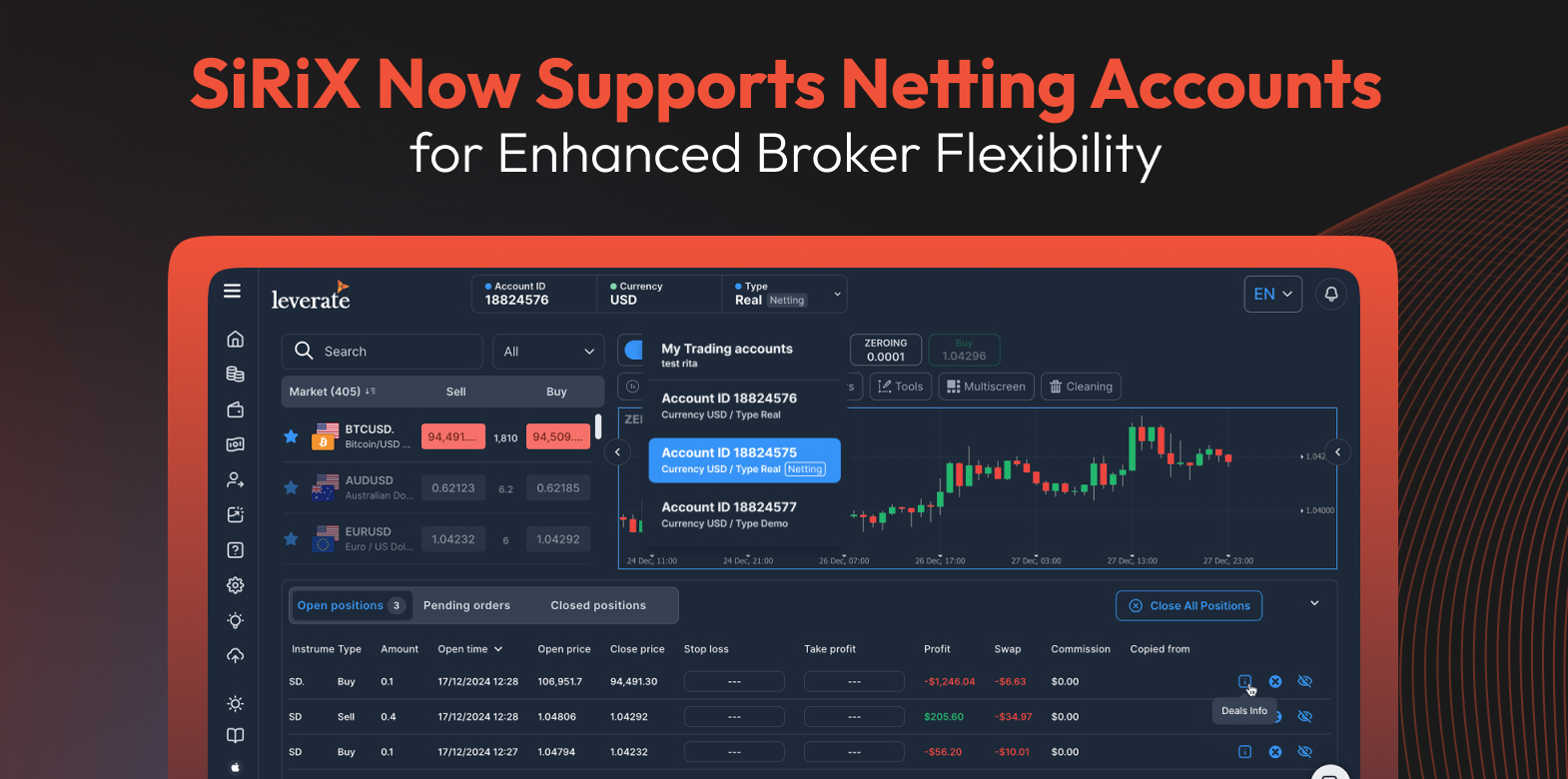
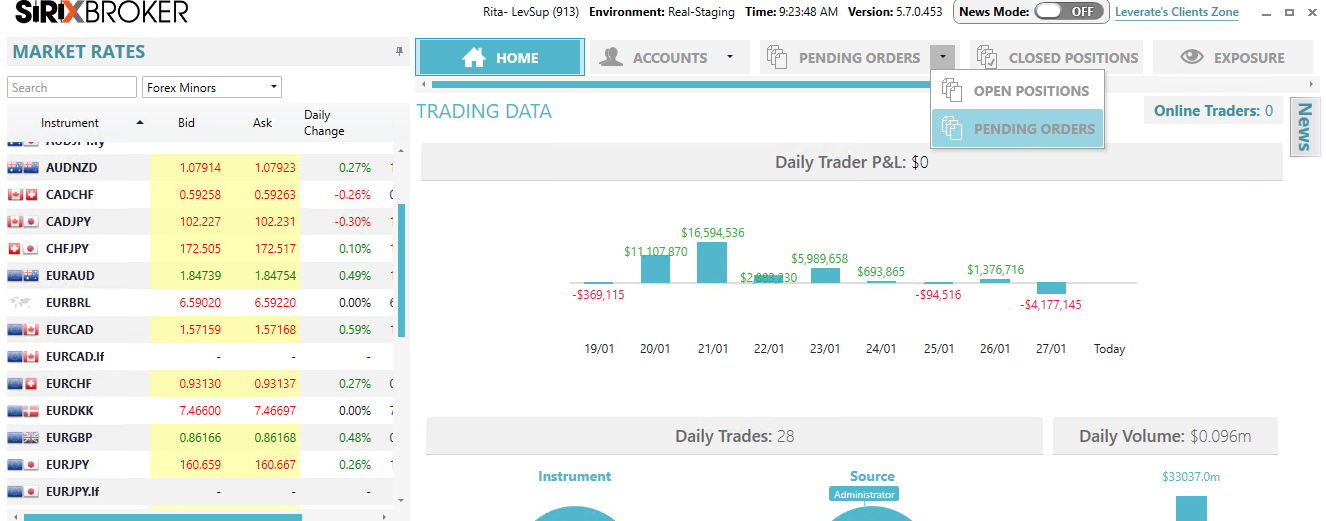
Managing active and pending trades is now more intuitive than ever. The SiRiX Broker interface separates pending positions into their own view, giving trade desks a cleaner, more organized space to monitor activity. It’s a small change that makes a huge difference during peak trading hours.
Why It Matters:
For Brokers: Helps teams respond faster, avoid errors, and stay focused on what’s critical.
For Prop Firms: Support staff can quickly pinpoint where traders are struggling and offer timely help.

Prop Trading Enhancements: Better Challenges, More Conversions
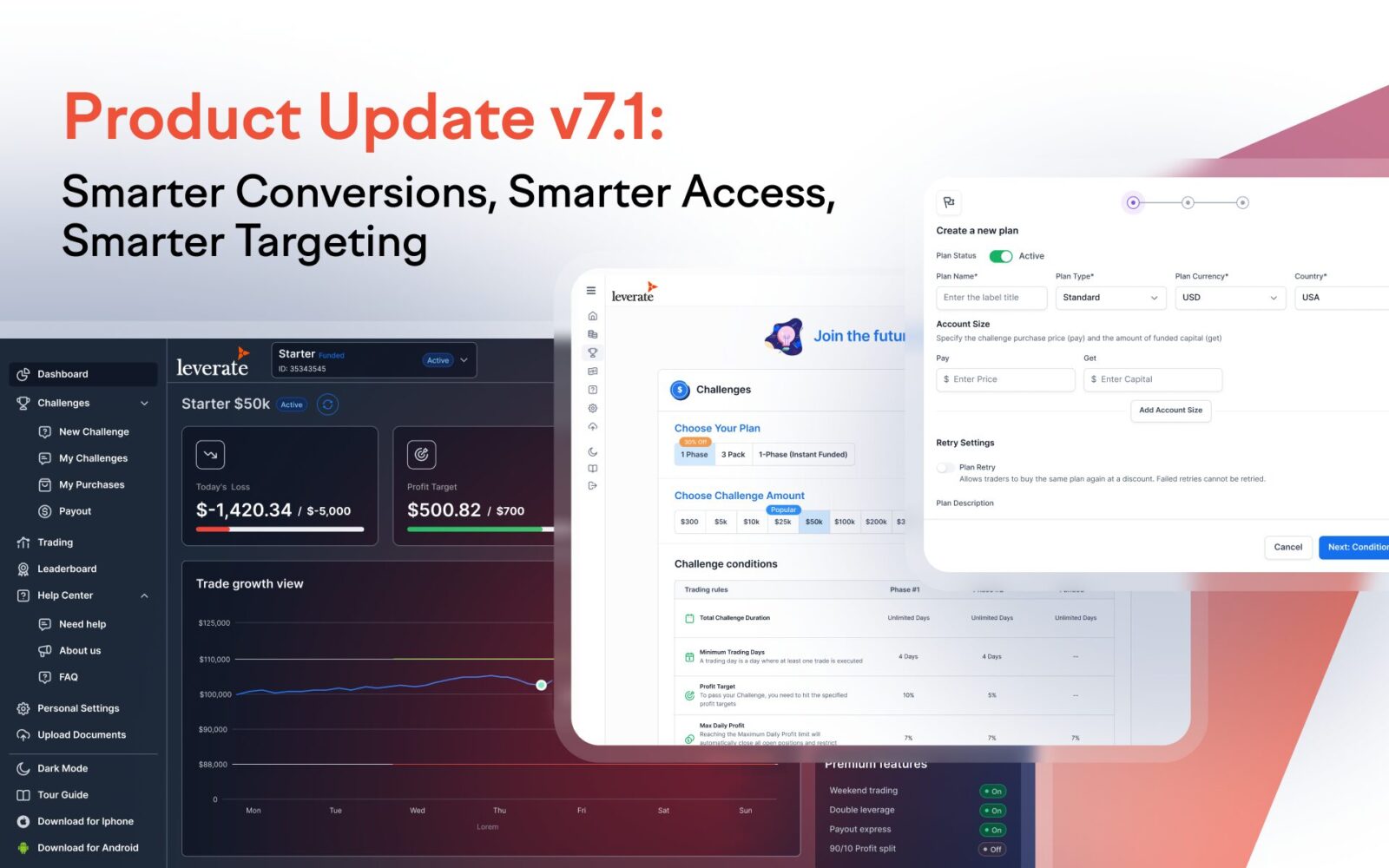
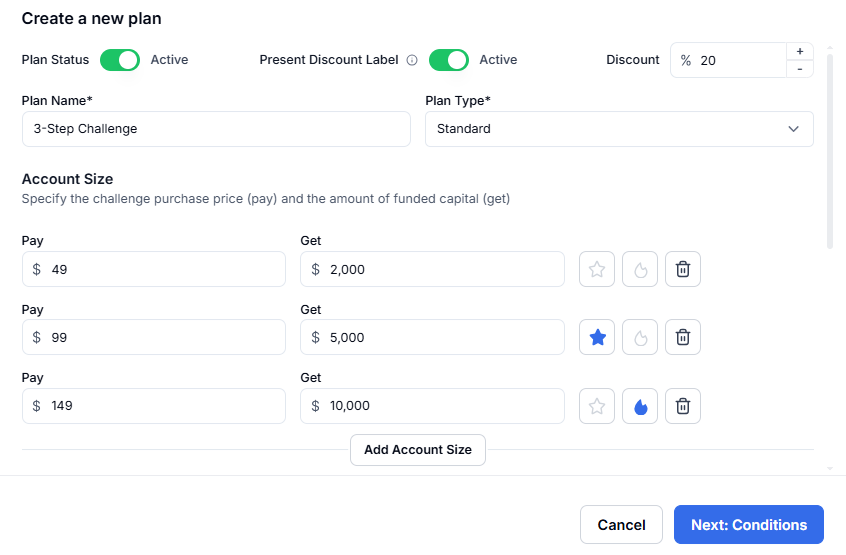
The New Challenge Page in the Broker Portal is built to convert even more with tools that use behavioral psychology to help traders complete purchases. Brokers can fully customize everything from discount code labels to suggested account sizes. The system even pushes users straight to checkout when a promo code is clicked. Every little touch is designed to guide trader behavior without friction.
What’s New:
Fully translatable discount code labels
“Most Popular” tags to drive social proof

- Pre-selected account sizes to reduce decision fatigue

- Smart discount logic: click → instant checkout

Why It Matters:
For Brokers: Even if you’re experimenting with prop-style challenges, this boosts lead gen and signups effortlessly.
For Prop Firms: A high-converting interface means more purchases, more engagement, and better ROI on marketing campaigns.
Broker Portal 2.0: Total Branding Control (No Dev Needed)
Under the new Brand Settings tab, brokers can now change portal logos, update links, and tweak visuals, live. There’s no waiting for builds or developer tickets. It’s a small freedom that makes a big difference when you’re testing conversion tactics or launching a promo on short notice.
Why It Matters:
For Brokers: Quickly A/B test branding and see what performs best—without depending on dev teams.
For Prop Firms: Run themed or seasonal promotions instantly, with full visual control over your Challenge experience.
PSP System Upgrade: Smoother Payments, Happier Traders
Traders want frictionless deposits, and now they can have them. The latest PSP infrastructure upgrade brings faster, more secure transactions with broader payment method support. Onboarding new PSPs is also quicker, making global scaling a breeze.
Why It Matters:
For Brokers: Fewer payment hiccups mean fewer abandoned carts and more deposits.
For Prop Firms: Smooth transactions encourage more challenge purchases and make it easier to expand internationally.
What This Means for You
If you’re a CFD broker, the upgraded SiRiX interface is a game-changer. The more intuitive UI makes attracting and converting first-time users easier, while the streamlined order tools ensure that experienced traders stick around for the long haul. And with a mobile experience that feels just as smooth as desktop, you’ll see more trading sessions and more trades across the board. For prop firms, the benefits are just as impactful. The enhanced Challenge Page helps drive more purchases by effectively guiding trader behaviour. On the operational side, updated dashboards simplify management workflows, while expanded payment options make it easier to scale globally without friction.
“We built v5 with real broker and prop firm pain points in mind; everything from conversion and user flow to trade oversight and marketing control. This isn’t just a facelift, it’s a strategic toolkit for growth.”
– Ran Strauss CEO
Ready to see these updates in action? Book a free SiRiX demo and see how Version 5 transforms your brokerage or prop firm from the inside out.